
Answer
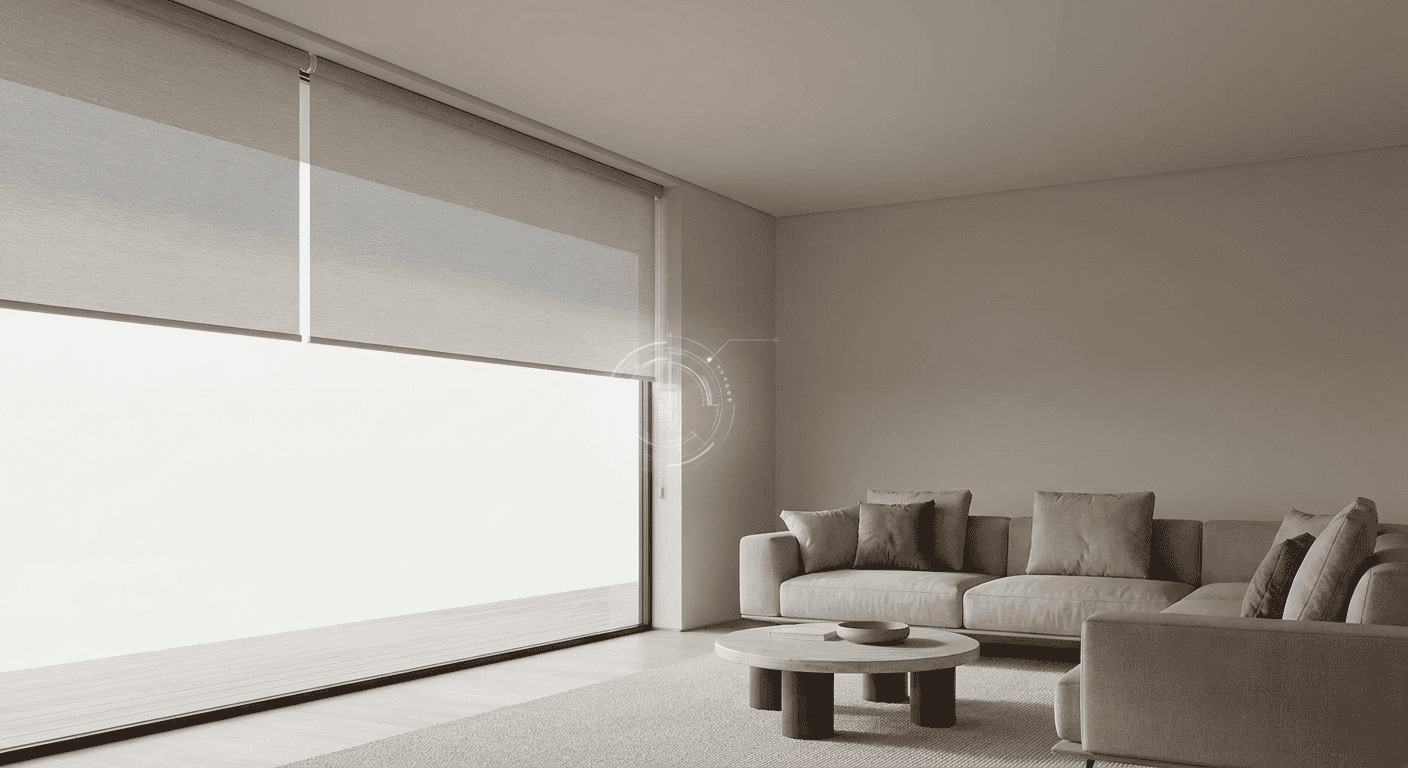
PowerView offers an automated system specifically for Hunter Douglas window treatments. It controls natural light and privacy within a room. This system gives users precise command over custom window coverings, improving their operation and visual appeal in any interior design. DM Interiors assists clients with selecting and installing PowerView Automation systems, connecting window coverings with their existing smart home setups.
Overview
This guide offers details on smart window treatment options, from motorization selections to connecting with smart home devices. It provides direct guidance for choosing, setting up, and maintaining PowerView products. The content also includes a labeled, real-world scenario featuring Eleanor, showing how PowerView improves daily routines.
- Motorization Choices: Review different PowerView motorization options.
- Shade Selection: Select PowerView shades for your home.
- Real-World Example: Observe PowerView’s effect on a living space.
- Smart Home Integration: Connect PowerView with other smart devices.
- Troubleshooting: Obtain assistance for PowerView system issues.
- Expert Advice: Gain insights from DM Interiors window treatment specialists.
PowerView Motorization Options Explained
Hunter Douglas PowerView Automation includes several parts that function together to manage window treatments. These parts enable users to set up shades based on their preferred control method, such as a remote, an app, or a smart home system. DM Interiors assists clients in choosing the correct components for their individual requirements, making sure the system works well.
Every component serves a specific purpose within an automated window treatment system. Selecting the appropriate PowerView configuration relies on several factors, including the quantity of shades, preferred control methods, and any current smart home devices. This PowerView Guide describes the various elements that provide automated control.
| Component | Function |
|---|---|
| PowerView Remote | Controls single shades or groups of shades with a button press. It has a modern look and accepts programming for different settings. |
| PowerView Hub | Links PowerView shades to your home Wi-Fi network, enabling control through the PowerView App and connection with smart home systems. The hub acts as the central processor for your automated window treatments. |
| PowerView App | Gives precise control of shades from a smartphone or tablet. Functions include creating scenes, setting schedules, and saving favorites. This app makes managing your automated shades simple. |
| Repeater | Extends the signal range for PowerView components. This ensures dependable communication between the hub and shades, especially in larger homes or those with architectural barriers. |
| Scene Controller | Mounts to a wall and activates pre-programmed scenes with one touch. This offers convenient control without needing a phone or remote. |
| Rechargeable Battery Wand | A hidden power source for battery-operated shades. It provides lasting power and recharges easily without removing the wand. DM Interiors suggests these for many residential uses. |
Choosing PowerView Shades for Your Home
Choosing PowerView shades requires evaluating your specific needs for light management, privacy, and room appearance. Every window treatment type brings particular advantages that affect comfort and style. Pairing the correct shade type with your home’s distinct requirements ensures you get the most from automated control.
Consider the window’s direction, the desired level of privacy, and your interior design goals. For example, roman shades offer a classic, soft look and block light effectively, making them suitable for bedrooms or formal living spaces. Conversely, lighter fabrics work well in rooms that need more ambient light.
The correct choice also considers practical features, such as blocking UV rays or enhancing insulation. DM Interiors assists clients with these factors, helping them select PowerView options that fit their daily life and preferences for window treatments.
| Consideration | Impact on Choice | Recommended Shade Types |
|---|---|---|
| Light Control | Determines how much natural light enters the room, from blackout to diffused light. | Duette Honeycomb Shades, Designer Screen Shades |
| Privacy Needs | Influences fabric opacity and treatment style, especially for bedrooms and bathrooms. | Designer Roller Shades, Silhouette Window Shadings |
| Room Style | Ensures the shades complement existing decor and architectural features. | Vignette Modern Roman Shades, Pirouette Window Shadings |
| Energy Efficiency | Helps maintain indoor temperature, potentially reducing heating and cooling costs. | Duette Honeycomb Shades, Solera Soft Shades |
| Window Type | Affects mounting options and whether specialized solutions are necessary for large or uniquely shaped windows. | Vertical blinds, custom shutters |
How PowerView Enhances Your Living Space
Adding smart home technology to window coverings brings more convenience and precise control over natural light. When selecting these systems, consider their compatibility, ease of operation, and the level of automation needed for daily life.
Eleanor enjoys her Hunter Douglas blinds but finds adjusting them by hand inconvenient. She is looking into the PowerView system to automate them, wondering if the smart control options will truly make her routine simpler. Will the PowerView system’s promised smooth integration and scheduling prove worthwhile for her specific window treatments?
Recommendation: PowerView Automation System
DM Interiors recommends the PowerView Automation system for Eleanor’s Hunter Douglas window treatments. This system directly connects with her existing products. It provides exact control and scheduling, improving both convenience and the visual appeal of her home’s natural light management.
Integrating PowerView with Smart Home Systems
Connecting PowerView window treatments to a larger smart home setup adds ease and automated control. Many smart home systems work with PowerView, letting users manage shades along with lighting, climate, and security devices. This connection allows for creating scenes or schedules that adjust multiple parts of a home at the same time.
DM Interiors regularly assists clients in linking their motorized window treatments with popular smart home platforms. Homeowners find value in the increased control and efficiency this offers, especially for daily routines. For instance, a “Good Morning” scene can open shades, activate lights, and set the thermostat with one command.
- Check Compatibility: Confirm your PowerView Hub works with your existing smart home system. Most major platforms support PowerView. If questions arise about specific connections, we provide guidance on PowerView motorization options.
- Activate Integration in PowerView App: Open the PowerView App and go to the “Integrations” section. Choose your smart home system from the available list.
- Permit Connection: Follow the prompts in both the PowerView App and your smart home app to permit the connection. This usually involves signing into your smart home account through the PowerView interface.
- Find Devices: After permission is granted, instruct your smart home system to find new devices. Your PowerView shades and scenes should then appear within your smart home app.
- Build Scenes and Routines: Within your smart home app, you can now build custom scenes and routines that include your PowerView Powerview Automation products. For example, you can link the opening of roman shades to your morning alarm.
Troubleshooting PowerView System Issues
Solving common PowerView system problems keeps automated window treatments working correctly. Many issues can be fixed with simple checks, such as confirming power sources or network connections. DM Interiors regularly helps clients with system analysis and fixes for shades that do not respond or app connection difficulties.
If shades do not move, check that remote batteries have enough power and that all shades connect to their power sources. Make sure the PowerView Hub is active and has a steady internet connection. When the app has connection issues, restarting your home’s Wi-Fi router and the PowerView Hub often re-establishes communication. For remote pairing difficulties, confirm the remote is close to the hub and consider resetting it before trying to pair again. Calibrating shades can correct uneven movement or positioning, a frequent adjustment during PowerView Automation setups.
| Issue | Resolution Steps |
|---|---|
| Shades Not Responding | Check remote battery life, confirm shade power connection, verify PowerView Hub is online. |
| App Connectivity Problems | Restart Wi-Fi router and PowerView Hub. Confirm the hub has a stable network connection. |
| Remote Pairing Failure | Confirm remote is within range of the hub. Try resetting the remote, then re-pair it. |
| Inconsistent Shade Movement | Recalibrate the individual shade using the PowerView App to restore proper function. |
| Battery Wand Not Charging | Inspect the charging cable and port for damage. If problems continue, refer to the battery wand repair guide or contact support. |
Deciding between self-troubleshooting and professional help depends on the problem’s difficulty and your comfort with technical checks. Simple fixes like battery changes or device restarts are often manageable at home, with guidance from the PowerView app. However, if problems continue after basic steps, professional service prevents further issues with your automated blinds and shades.
DM Interiors: Your Window Treatment Experts
DM Interiors provides custom window treatment solutions for any room, blending visual appeal with practical use. We assist clients in choosing products that match their design tastes and automation needs, including the PowerView Guide system. Our support covers everything from the first discussion to the final installation, making sure your window coverings work correctly.
Many clients seek automated window coverings for managing light and privacy. We offer personalized design services, using a wide selection of Hunter Douglas products. This commitment extends to integrating these systems into your home’s smart technology setup.
| Solution Category | Best for | Reason |
|---|---|---|
| Hunter Douglas PowerView Automation | Smart home connection, daily scheduling | Automated control of window treatments for light and privacy, connecting with smart home systems such as Google Home or Amazon Alexa. PowerView Automation offers ease of use. |
| Custom Roman Shades | Classic look, light filtering | These shades offer a timeless appearance while providing exact light filtering and privacy. Roman shades can be motorized for simple operation. |
| Blinds | Adaptability, precise light direction | These are good for directing light and keeping privacy. Blinds come in different materials and styles, offering long-lasting quality. |
| Motorized Window Treatments | Accessibility, greater safety | Motorization removes cords, making homes safer for children and pets. It also makes operating hard-to-reach windows easy. PowerView automated window coverings offer a modern option. |
FAQ
This powerview guide addresses common questions about the system, from choosing components to troubleshooting integration with other smart home devices.
| Question | Answer |
|---|---|
| What are the main components of the PowerView system? | The PowerView system includes several key components for controlling window treatments. The PowerView Remote offers simple button control, while the PowerView Hub connects shades to Wi-Fi for app and smart home control. The PowerView App allows precise control and scheduling from a smartphone or tablet. A Repeater can extend signal range, and a Scene Controller activates pre-set scenes. |
| How do I choose the right PowerView shades for my home? | Selecting PowerView shades depends on your needs for light control, privacy, and room aesthetics. Consider the window’s orientation, desired privacy level, and interior design. For example, roman shades offer a classic look and good light blocking for bedrooms, while other fabrics can filter more light. Energy efficiency and window type also influence the best choice. |
| What are some common issues when integrating PowerView with other smart home devices? | When integrating PowerView with smart home systems, ensure your PowerView Hub is compatible with your chosen platform. Follow prompts in both the PowerView App and your smart home app to authorize the connection. If devices aren’t discovered, try restarting your Wi-Fi router and the PowerView Hub. |
| When should I consider professional help for PowerView system issues? | For simple fixes like replacing remote batteries or restarting devices, DIY troubleshooting is often manageable. However, if problems persist after basic steps, or if the issue involves complex wiring or calibration, professional assistance is recommended. This can prevent further damage to your automated blinds and shades. |